1
Open or scan
Choose an existing PDF or create a new one with the built-in scanner.
Private mobile PDF editor
For quick forms, approvals and simple documents, add text, date and signature directly on the page.


Add short details without leaving the app.
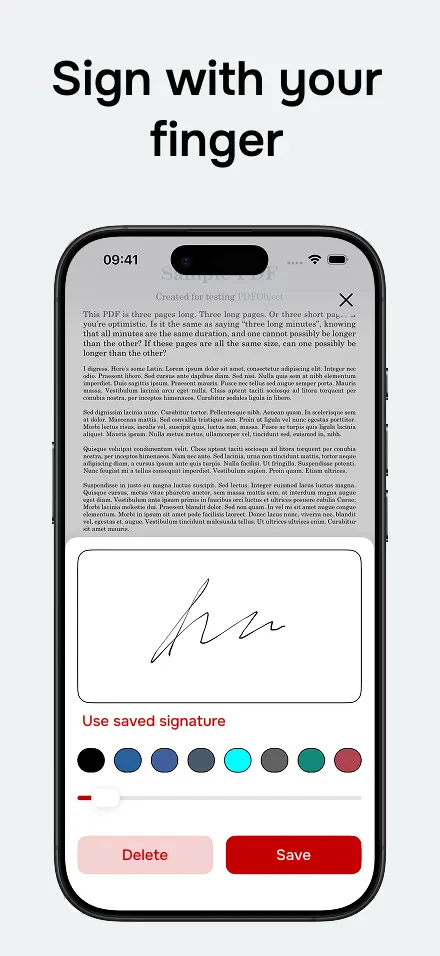
Complete the document with signature and basic fields.
Save the final PDF or share it through the app you prefer.
Choose an existing PDF or create a new one with the built-in scanner.
Add a signature, text or date exactly where you need it.
Export the final PDF and send it through your preferred app.
You can add text, dates and signatures on simple PDFs from your phone.
Yes, it is useful for contracts, approvals, receipts and simple forms.
Available for iPhone and Android. Open, scan, sign, fill and share PDFs without friction.