1
Open or scan
Choose an existing PDF or create a new one with the built-in scanner.
Private mobile PDF editor
Use your phone camera to digitize documents and continue in the same flow: scan, sign and share.


Turn sheets, receipts and approvals into PDF files ready to send.
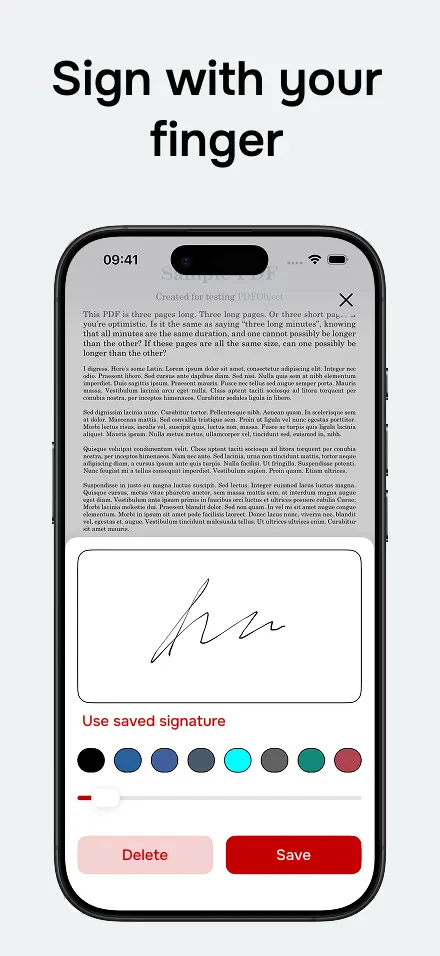
Add a signature, date or text on top of the scanned document.
Handle quick documents without a printer or computer.
Choose an existing PDF or create a new one with the built-in scanner.
Add a signature, text or date exactly where you need it.
Export the final PDF and send it through your preferred app.
Yes. You can create a PDF from paper documents with the built-in scanner.
Yes. After scanning, you can add your signature and save the PDF.
Available for iPhone and Android. Open, scan, sign, fill and share PDFs without friction.