1
Open or scan
Choose an existing PDF or create a new one with the built-in scanner.
Private mobile PDF editor
Firma PDF lets you open a document, add your finger signature and export the final file without accounts or unnecessary steps.


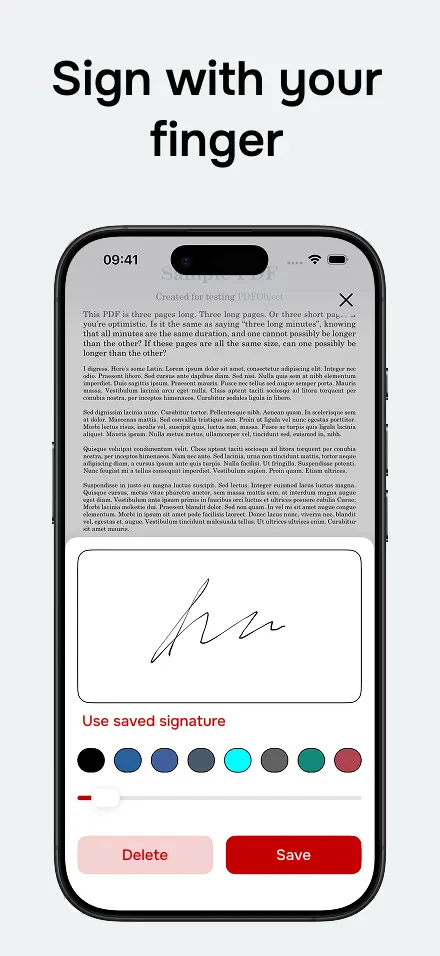
Save frequent signatures and place them on new documents in seconds.
Move and resize the signature on the page before confirming the PDF.
The document is prepared locally on your iPhone or Android device.
Choose an existing PDF or create a new one with the built-in scanner.
Add a signature, text or date exactly where you need it.
Export the final PDF and send it through your preferred app.
Yes. You can download the app for free and sign PDFs on your phone.
No. You can open, sign and save a document without registration.
Available for iPhone and Android. Open, scan, sign, fill and share PDFs without friction.